
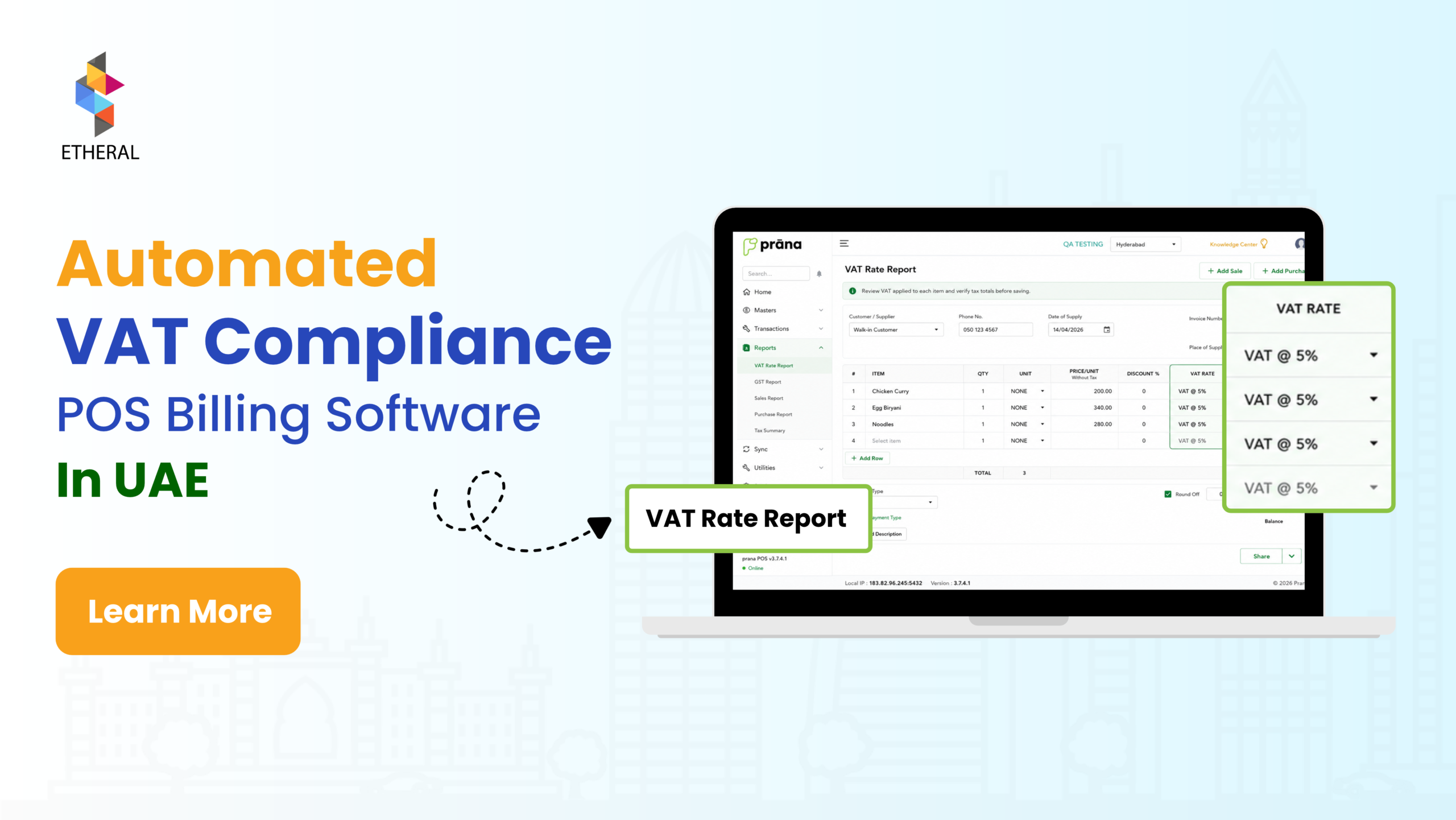
Automated Tax Compliance POS Billing Software in UAE
For businesses in the UAE, processing sales, calculating VAT, and maintaining accurate billing records are essential parts of daily operations. Whether you operate a retail shop, supermarket, restaurant, café or grocery store in Dubai, Abu Dhabi, Sharjah or Ajman, an efficient Automated Tax Compliance POS Billing Software can make business operations easier.
However, manual billing, spreadsheets, and multiple accounting systems can lead to inefficiencies, duplicated work and potential calculation errors. As transaction volumes increase, businesses need a reliable way to manage sales, VAT calculations, customer invoices and financial records.
Automated Tax Compliant POS Billing Software in the UAE helps businesses streamline these processes by automating sales transactions, applying configured VAT rates, and generating organized invoices.
With the UAE moving towards a phased e-invoicing framework, businesses should also consider their current VAT billing requirements and future e-invoicing integration needs when choosing a POS solution.
1. What is Automated Tax Compliant POS Billing Software?
Automated Tax Compliant POS Billing Software is a billing solution that helps businesses record sales, calculate VAT and generate invoices based on configured business and tax settings.
A Point of Sale (POS) system records customer transactions and can connect billing with other business operations, including:
- Inventory and stock management
- Payment processing
- Customer information management
- Sales tracking and reporting
- Accounting software integration
- Multi-branch business management
For example, if a retail business in Dubai sells products worth AED 1,000 before VAT and the applicable VAT rate is 5%, the POS software can automatically calculate the VAT and display the final amount payable.
Example of VAT Calculation Using POS Software
| Description | Amount |
| Product Value | AED 1,000 |
| VAT (5%) | AED 50 |
| Total Amount Payable | AED 1,050 |
By automating VAT calculations, businesses can apply configured tax rules to sales transactions and invoices without repeatedly calculating amounts manually.
Important: Businesses must ensure that their VAT settings, invoice formats and accounting processes accurately reflect the nature of their transactions and applicable UAE tax regulations.
2. Why Do Businesses in the UAE Need a POS Billing System?
As businesses grow, managing multiple transactions manually becomes increasingly difficult. A reliable POS billing system helps businesses handle daily sales efficiently while maintaining organised transaction records.
Here are some important reasons why UAE businesses should consider automated POS billing software:
| Key Feature | How It Helps Businesses |
| Faster Billing | Barcode scanning and predefined product information help employees generate invoices quickly. |
| Consistent VAT Calculations | Configured tax settings reduce manual VAT calculation at checkout. |
| Reduced Data Entry | Automatically captures transaction details and reduces repetitive work. |
| Organised Sales Records | Maintains transaction histories for reporting and financial review. |
| Better Business Insights | Sales reports help owners understand revenue, product performance and branch performance. |
| Improved Operational Efficiency | Connecting billing with inventory and accounting reduces repetitive tasks. |
| Multi-Branch Management | Helps businesses monitor sales across multiple locations. |
For businesses managing several branches, different product categories and high transaction volumes, manual billing can become challenging. An integrated POS billing solution can help simplify these operations.
3. How Does POS Billing Software Calculate VAT and Generate Tax Invoices in the UAE?
Businesses registered for VAT in the UAE must follow the applicable Federal Tax Authority (FTA) requirements when calculating VAT and issuing tax invoices.
The standard VAT rate in the UAE is 5%. However, businesses must also account for applicable zero-rated and exempt supplies rather than applying the standard rate to every transaction.
A tax-compliant POS billing system should allow businesses to configure tax settings according to the products, services and applicable VAT treatments.
3.1 Automated VAT Calculations
POS billing software calculates VAT based on the tax settings configured for individual products or services.
Businesses commonly work with two types of VAT pricing:
- VAT-Exclusive Pricing: VAT is added to the original selling price.
- VAT-Inclusive Pricing: VAT is already included in the displayed selling price.
For example, if a product costs AED 105, including 5% VAT, the breakdown would be:
| Description | Amount |
| Product Price Before VAT | AED 100 |
| VAT (5%) | AED 5 |
| Final Selling Price | AED 105 |
With automated VAT calculations, businesses can generate accurate billing totals based on their configured tax settings.
3.2 UAE VAT Tax Invoice Requirements
A POS billing system should support the generation of tax invoices containing the information required under UAE VAT regulations.
As applicable under Article 59 of the UAE VAT Executive Regulation, a full tax invoice generally includes:
| Invoice Information | Description |
| Invoice Title | Clearly identifies the document as a Tax Invoice. |
| Supplier Details | Supplier’s name, address and Tax Registration Number (TRN). |
| Customer Details | Recipient’s details and TRN, where applicable. |
| Invoice Number | Unique and sequential invoice identification. |
| Invoice Date | Date of invoice issuance. |
| Supply Date | Date of supply, if different from the invoice date. |
| Product or Service Details | Description of the goods or services supplied. |
| Quantity and Unit Price | Quantity, price per unit and applicable details. |
| Taxable Amount | Amount subject to VAT. |
| VAT Rate | Applicable VAT rate for each supply. |
| Discount Details | Applicable discounts, where relevant. |
| Invoice Total | Total amount payable and total VAT amount in AED. |
3.3 Full Tax Invoices and Simplified Tax Invoices
Depending on the transaction and applicable regulatory conditions, businesses may be permitted to issue simplified tax invoices.
The information required on a simplified tax invoice differs from that required on a full tax invoice.
For example, simplified tax invoices may generally be issued for supplies of AED 10,000 or less to recipients who are not VAT-registered, subject to applicable conditions. Specific rules and exceptions apply.
Businesses should ensure that their POS software supports the appropriate invoice format for their transactions.
Note: Always refer to the latest UAE Federal Tax Authority guidance and Article 59 of the VAT Executive Regulation to confirm invoice requirements.
4. Managing Discounts, Returns and Refunds Through POS Software
Discounts, product returns and refunds are common activities in retail, supermarkets and restaurants. Businesses need a POS system that can manage these transactions while maintaining accurate billing and tax records.
A suitable POS billing system should support:
- Applying product-level and bill-level discounts.
- Processing product returns and exchanges.
- Generating refund records.
- Adjusting sales transactions when required.
- Maintaining transaction histories.
- Supporting the appropriate tax credit note or other required documentation.
When a sale is cancelled, returned or adjusted, businesses must ensure that the related VAT treatment and supporting documents are handled correctly.
5. Important Features to Consider When Choosing Tax-Compliant POS Billing Software in the UAE
Before investing in POS billing software, businesses should evaluate whether the system supports their everyday billing requirements, VAT processes and accounting operations.
The following features are worth considering:
| POS Software Feature | Why It Is Important |
| Automated VAT Calculations | Helps calculate VAT based on configured tax settings. |
| Flexible Tax Parameters | Supports applicable standard-rated, zero-rated and exempt tax treatments. |
| Tax Invoice Generation | Helps generate invoices with required information. |
| Sales and Transaction Records | Maintains organised billing and transaction histories. |
| Discounts and Refunds | Helps manage sales adjustments and returns. |
| Inventory Integration | Connects sales transactions with stock movements. |
| Multi-Location Support | Helps monitor business operations across branches. |
| Real-Time Sales Reporting | Provides visibility into sales and business performance. |
| User Permissions | Controls employee access to billing and business functions. |
| Accounting Integration | Reduces duplicated financial data entry. |
| Payment Integration | Connects billing with supported payment methods. |
| Data Protection and Backup | Helps protect business information and maintain records. |
| E-Invoicing Integration Readiness | Helps businesses prepare for applicable UAE e-invoicing requirements. |
Not every POS solution offers all these features. Businesses should compare software capabilities, supported integrations, implementation requirements and ongoing support before making a decision.
6. Benefits of POS Billing Software for Different Businesses in the UAE
Different industries have different billing, inventory and reporting requirements. Choosing industry-specific POS billing software can help businesses manage their operations more efficiently.
6.1 Retail Stores
Retail businesses deal with different products, prices, discounts and customer transactions throughout the day.
POS billing software helps retail stores manage:
- Product information and pricing.
- Barcode-based billing.
- Customer invoices and transaction records.
- Product discounts and promotions.
- Inventory tracking.
- Daily and monthly sales reports.
For example, perfume and cosmetic stores can use POS software to manage product variations, customer billing and daily sales from a single system.
6.2 Supermarkets and Grocery Stores
Supermarkets manage hundreds or thousands of products, multiple product categories and high transaction volumes.
Supermarket POS billing software can support:
- Barcode-based product scanning.
- SKU and product management.
- High-volume billing.
- Weighing scale integration, where supported.
- Inventory and stock management.
- Product pricing and promotional offers.
- Branch-wise sales reporting.
- Automated VAT calculations.
These features help supermarkets improve checkout efficiency and maintain better visibility into product sales and stock levels.
6.3 Restaurants and Cafés
Restaurants and cafés require more than basic billing. They need a system that connects customer orders, kitchen operations, payments and sales management.
Restaurant POS billing software can provide:
- Dine-in, takeaway and delivery order management.
- Table management.
- Kitchen Order Ticket (KOT) transmission.
- Menu and item management.
- Bill splitting and merging.
- Discounts and promotions.
- VAT calculations and invoice generation.
- Payment integration.
- Sales and performance reporting.
An integrated restaurant POS system helps business owners monitor orders, payments and daily operations more effectively.
6.4 Bakeries and Confectionery Stores
Bakeries and confectionery businesses manage different product varieties, pricing structures, customised orders and promotional offers.
A suitable POS system can help with:
- Product and category management.
- Quick billing.
- Customised order management.
- Discounts and promotional pricing.
- Inventory tracking.
- Sales and revenue reporting.
- VAT calculations and invoice generation.
6.5 Fresh Food and Specialty Retailers
Fresh food retailers often deal with products sold by weight, quantity or individual units. They may also require weighing scale integration and flexible inventory management.
POS billing software can help manage:
- Weight-based product billing.
- Weighing scale integration, where supported.
- Product and category management.
- Stock tracking.
- Daily sales monitoring.
- VAT calculations.
- Customer invoices and transaction records.
These capabilities are useful for grocery stores, fruit and vegetable shops, meat shops and other specialty food retailers.
7. How to Choose the Right POS Billing Software for Your UAE Business
Choosing the right POS software requires understanding your business size, industry requirements and daily transaction volume.
Before selecting a solution, consider the following:
- Understand Your Billing Requirements: Identify the number of daily transactions, products, employees and business locations.
- Check VAT Capabilities: Confirm that the software supports the applicable UAE VAT settings and invoice requirements.
- Evaluate Industry-Specific Features: Look for barcode scanning, table management, weighing scale integration or other features relevant to your business.
- Review Reporting Capabilities: Ensure that the system provides useful sales, inventory and financial reports.
- Check Integration Options: Consider payment gateways, accounting platforms and inventory integrations.
- Consider Future E-Invoicing Requirements: Ask the software provider about its integration roadmap and compatibility with the applicable UAE e-invoicing framework.
- Evaluate Support and Training: Check whether the provider offers implementation assistance, employee training and ongoing technical support.
The right POS billing solution should support your current business operations while allowing you to scale as your business grows.
Frequently Asked Questions (FAQs) About Tax-Compliant POS Billing Software in the UAE
1. What is tax-compliant POS billing software in the UAE?
Tax-compliant POS billing software helps businesses record sales, calculate VAT based on configured tax settings and generate invoices containing the required information under applicable UAE VAT regulations.
2. What is the standard VAT rate in the UAE?
The standard VAT rate in the UAE is 5%. However, certain goods and services may qualify for zero-rated or exempt VAT treatment depending on applicable regulations.
3. Can POS software automatically calculate 5% VAT?
Yes. POS billing software can automatically calculate 5% VAT when the applicable tax rate and product pricing settings are correctly configured.
4. Can POS billing software generate UAE tax invoices?
Yes. Suitable POS software can generate tax invoices containing relevant supplier information, TRN, invoice numbers, product details, taxable amounts, VAT amounts and total payable amounts.
5. Is POS billing software suitable for supermarkets and retail stores?
Yes. POS software can support barcode scanning, product management, inventory tracking, automated billing, VAT calculations and sales reporting for supermarkets and retail stores.
6. Can restaurant POS software manage VAT and customer bills?
Yes. Restaurant POS software can manage customer orders, table billing, KOT, discounts, payments and VAT calculations based on configured tax settings.
7. Is POS billing software ready for UAE e-invoicing?
E-invoicing readiness depends on the software’s capabilities and its integration with the applicable UAE e-invoicing framework. Businesses should confirm whether their provider supports the required technical integration and compliance processes.
8. What should businesses consider before purchasing POS billing software in the UAE?
Businesses should evaluate VAT configuration, tax invoice generation, inventory management, payment integration, sales reporting, multi-branch support, data protection and future e-invoicing integration requirements.
Conclusion
Managing sales, VAT calculations and tax invoices efficiently is important for businesses operating in the UAE. Manual billing processes can become difficult to manage as transaction volumes, product ranges and business locations increase.
Automated Tax Compliant POS Billing Software helps businesses streamline billing, maintain organised transaction records and improve visibility into daily operations.
Whether you operate a retail store, supermarket, restaurant, café, bakery or grocery business, choosing a POS solution that supports your operational and applicable tax requirements can help build a more efficient billing process.